On-device speech recognition
Memorize anything, one word at a time.
Lyrics, speeches, scripture, scripts — build word-perfect recall and read aloud with fluency. All on your iPhone.
Free tier • No account required • Runs offline
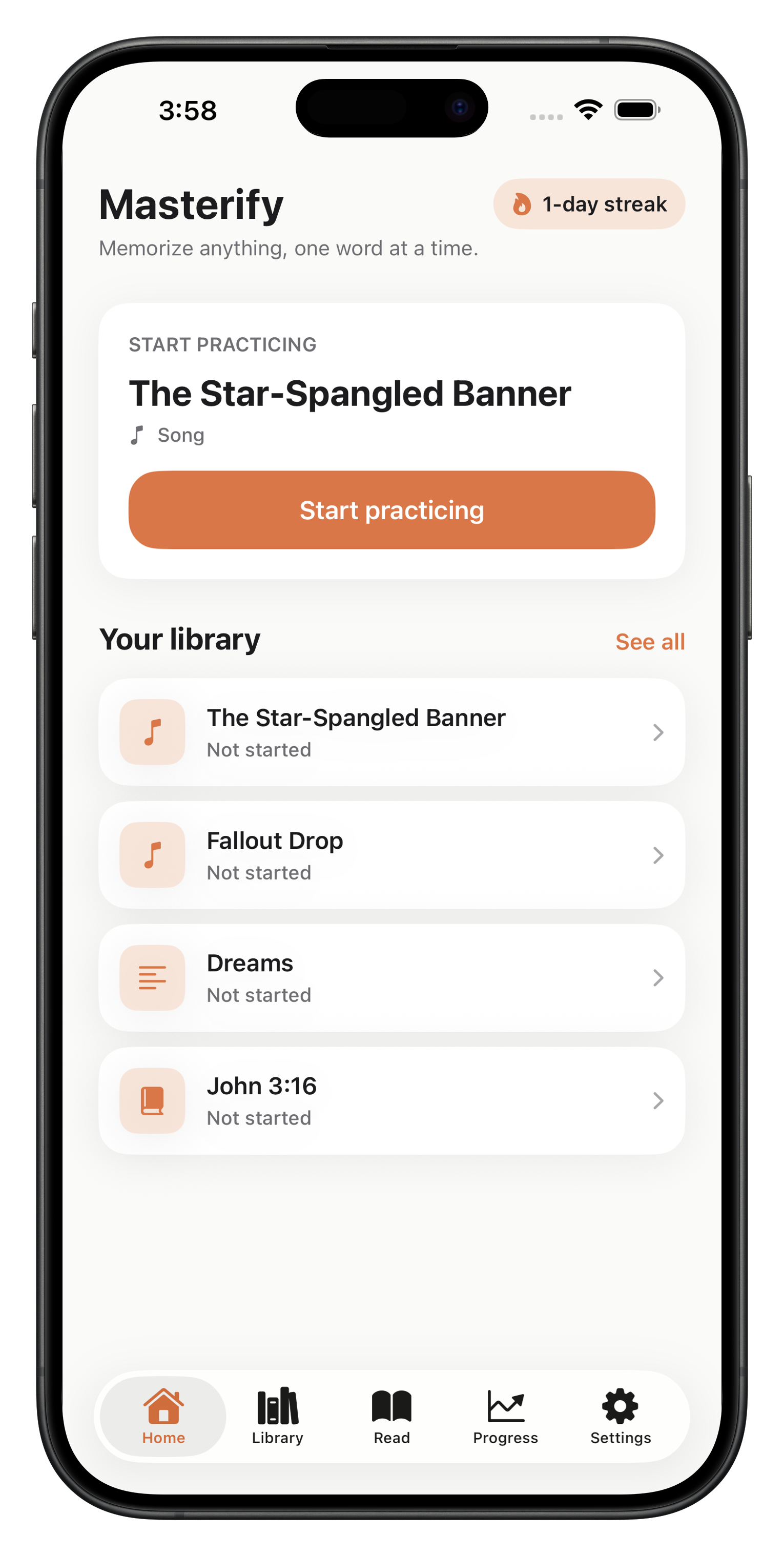
Lyrics, speeches, scripture, scripts — build word-perfect recall and read aloud with fluency. All on your iPhone.
Free tier • No account required • Runs offline
Every mechanic is designed to move memory from "I sort of know it" to "I could recite this in my sleep."
Lyrics, scripture, monologues, speeches, poems — anything text-based, split automatically into practice-sized chunks.
Four stages take you from reading, to filling blanks, to typing from memory, to reciting aloud — the way memory actually forms.
Read passages aloud and get accuracy, WPM, and rhythm scoring — with word-by-word breakdown of what you nailed and what you missed.
Speech recognition runs on-device. Your recordings and text never leave your iPhone unless you turn on iCloud sync.
Streaks, WPM trends, accuracy over time. See yourself improve day by day.
Practice on iPhone, review on iPad, keep going on the next device. Premium keeps everything in sync.
Each passage moves through the stages at its own pace. You don't grind — you graduate.
Read the passage with pronunciation guidance. Optional AI voice reads it back so you hear the cadence.
Words start disappearing. Fill them in from context — memory strengthens with every recall.
Type each line word-by-word. Get a gentle hint system when you're truly stuck.
Recite aloud. On-device speech recognition confirms you've got it locked in.
Practice reading fluency with any text you own. See exactly which words tripped you up, how fast you read, and how steady your rhythm was.
No. Masterify works entirely on your device. If you want your data to sync across iPhone and iPad, iCloud sync (included with Premium) uses your existing Apple ID — no separate account.
Speech recognition uses Apple's on-device engine, so recordings and transcripts stay local. Free users' recordings are analyzed and discarded. Premium users can opt to save recordings for playback; those are still stored locally (and, if enabled, synced privately to your iCloud account).
Yes. Manage or cancel your subscription any time in your device's Settings → Apple ID → Subscriptions. There are no cancellation fees.
American, British, Australian, Indian, and Canadian English. You pick your accent during onboarding or anytime in Settings, and the recognizer tunes itself accordingly for more accurate transcription.
Not yet. Masterify is currently iOS-only. We're focused on making the iPhone experience great before considering other platforms.